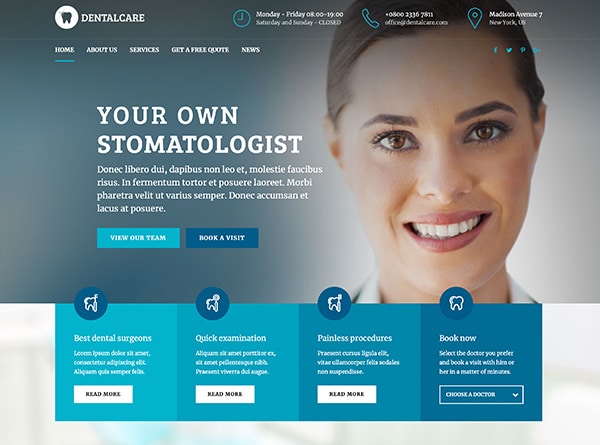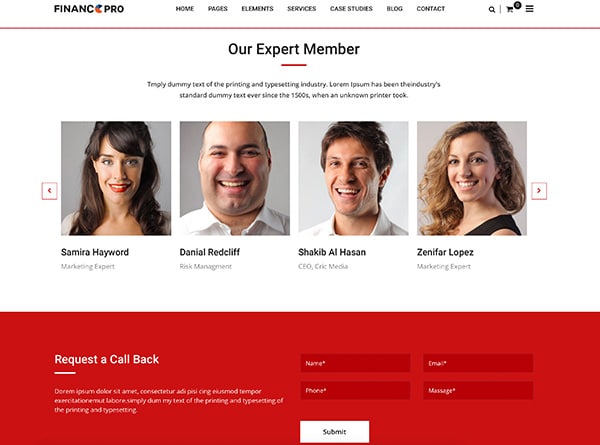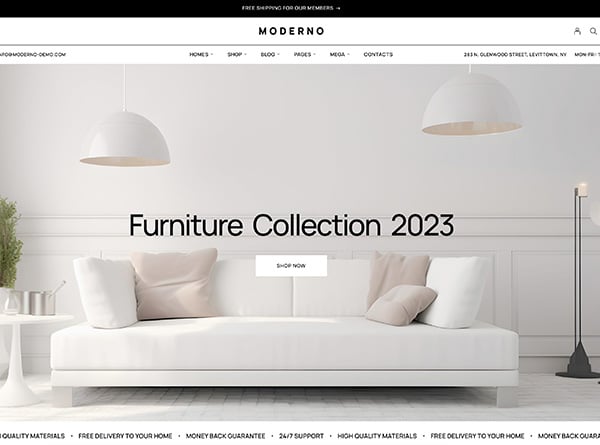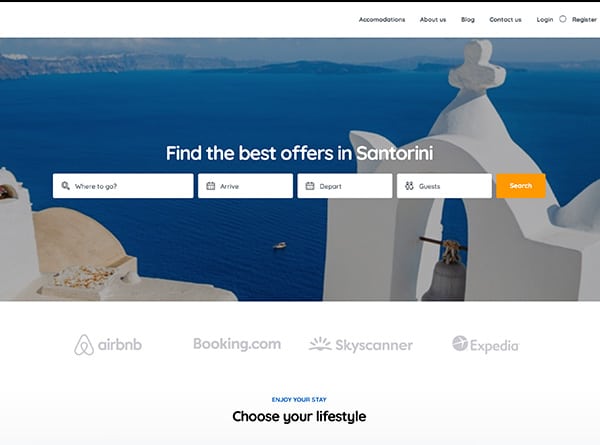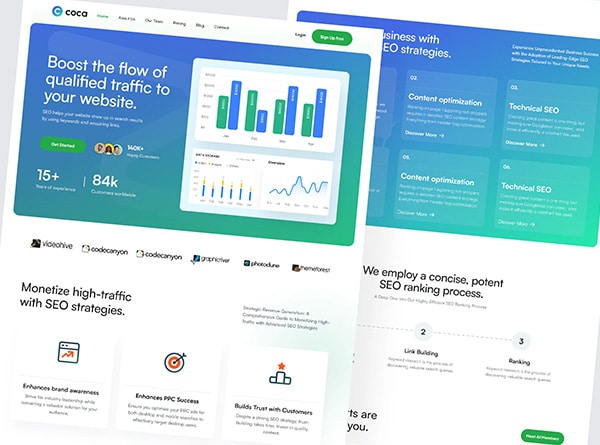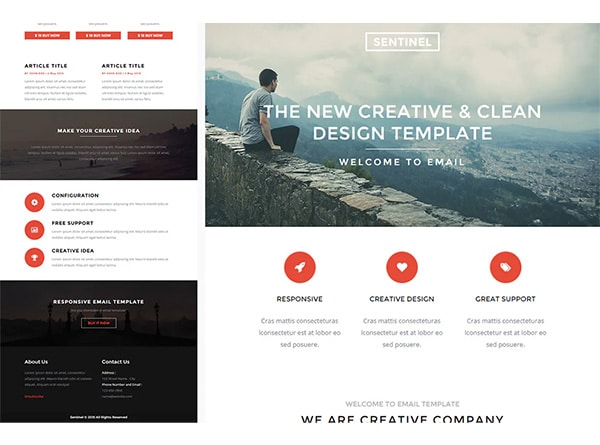
A good law firm website design prioritizes user experience and builds trust to effectively convert potential clients. It features clear navigation, mobile responsiveness, and accessible content that highlights the firm's expertise and unique value proposition. Such a design ensures visitors can easily find information about legal services and attorney qualifications, fostering credibility. Ultimately, the website should guide users toward clear calls to action, facilitating new client inquiries.

A good law firm website does one job well: it helps a person with a legal problem decide quickly that you are the right firm to call. Most of what makes that happen is not decoration. It is how the site is organized, how it reads on a phone and how easy it is to take the next step.
This guide covers nine UX principles we apply when we design law firm websites. Each one ends with a quick check you can run on your own site in a few minutes.
How should law firms lead their website's first screen to attract clients?
The first screen decides whether a visitor stays. Most law firm homepages open with a skyline, a slogan about justice and the firm’s name. None of it answers the visitor’s question: “Do you handle my problem?”
A strong first screen says who you help and with what, in plain words, and gives one clear next step. “Estate planning and probate for families in Orange County” tells a visitor more than “Experience. Integrity. Results.”
Quick check: Show your homepage to someone for five seconds, then hide it. Ask what the firm does and who it helps. If they cannot say, rewrite the first screen.
How should law firm website navigation be structured to address client problems?
Visitors do not think in terms of your firm’s departments. They think “I was in a car accident” or “I need a will.” Your menu should let them find their situation without decoding legal terms.
- Keep the main menu short, with a handful of clear items.
- Name practice areas the way clients describe them.
- Group related services instead of listing everything in one long dropdown.
- Make the way back to the homepage and the contact page obvious from every page.
Quick check: Ask someone unfamiliar with law to find the page for a specific problem. Count the clicks and note where they hesitate.
How can law firm websites make calling and booking effortless for clients?
A person with an urgent legal problem often wants to talk to someone now. If the phone number is small, buried or not tappable, some of them will leave and call someone else.
- Put the phone number in the header on every page, and make it a tappable link on phones.
- Add one clear button for booking or requesting a consultation.
- Repeat the next step at the end of each page, not only at the top.
- Show office hours and what happens after a call so the step feels low-risk.
Quick check: On your phone, open three different pages. On each one, how many seconds does it take to find a way to call or book?
How should law firm practice-area pages be designed to answer client questions?
A practice-area page is where a visitor decides whether you understand their situation. A list of services and a paragraph of general claims does not do that. A page that answers the questions a visitor has does.
A useful structure:
- What the problem is and who it affects, in plain language
- What the process usually looks like, step by step
- What the visitor should have ready before calling
- What you handle and what you do not
- A clear next step
Use short sections and descriptive headings so a skimmer can find the part that matters. Our law firm content marketing work covers how to choose what each page should answer.
Quick check: Read one practice-area page as a visitor with that problem. Does it answer your first three questions before you have to call?
How should law firm attorney pages showcase real faces and experience?
People hire people. An attorney page with a stiff stock-style photo, a list of titles and a paragraph in the third person tells a visitor very little.
- Use a recent, natural photo, preferably taken in your office.
- Open with who the attorney helps and what they focus on, not a list of memberships.
- Describe the kinds of matters the attorney handles, in general terms.
- Add a short note in a human voice about how the attorney works with clients.
- Include a direct way to reach that attorney or schedule a call.
Quick check: Read your own bio out loud. Does it sound like someone you would want to talk to on a hard day?
How should law firm website content be written and formatted for clients under stress?
Many visitors are anxious, in a hurry or reading on a small screen. Design for that reader.
- Use plain language and explain legal terms the first time they appear.
- Keep paragraphs short and headings descriptive.
- Use a comfortable body size, generous line spacing and strong contrast between text and background.
- Avoid text over busy images, and avoid long walls of centered text.
- Break up complex processes with numbered steps or short lists.
Quick check: Open a long page on your phone and scroll. Can you tell where you are and what comes next without reading every word?
7. Design for the Phone First
For many practices, a large share of visitors arrive on a phone. A page that is merely shrunk to fit is not designed for that. Design the phone layout first, then expand it for larger screens.
- Make buttons and links large enough to tap with a thumb.
- Keep menus simple and easy to open and close.
- Put the call and booking options within reach as the page scrolls.
- Make sure images and layout do not push the main message below the fold.
Quick check: Complete a task on your site, such as requesting a consultation, using only your phone and one hand.
How should law firm website forms be kept short and specific?
Every extra field costs you some of the people who started the form. At the same time, a form that asks nothing useful leads to slow, unfocused first conversations.
- Ask for the basics: name, phone or email and a short description.
- Add one or two specific questions, such as the type of matter and how urgent it is.
- Label each field clearly and explain errors in plain words.
- Confirm what happens next, including when the person can expect a reply.
- Make sure submissions reach a person who answers quickly.
Quick check: Fill out your own contact form. Count the fields, and time how long a reply takes.
9. Make It Fast and Accessible
A slow site loses visitors before they read a word, and an inaccessible site shuts some of them out altogether. Both are design problems, and both are fixable.
- Speed: Compress images, limit scripts and animations, and test the site on a mobile connection.
- Readability: Keep strong color contrast and avoid conveying meaning by color alone.
- Structure: Use real headings in order, descriptive link text and labels on form fields.
- Images: Add short, accurate descriptions to meaningful images.
- Keyboard use: Make sure menus, forms and buttons work without a mouse.
Aim to meet the Web Content Accessibility Guidelines (WCAG) at the AA level, and test with the tools your browser and Google’s PageSpeed Insights provide.
Quick check: Run your homepage through PageSpeed Insights on mobile, then try to use the page with only the keyboard.
How can law firms audit their website design in thirty minutes?
You can learn a lot from one short session:
- Show the homepage to a stranger for five seconds, and ask what the firm does.
- Find a practice-area page from the menu, and count the clicks.
- Open the site on your phone and look for a way to call.
- Read one attorney page and one practice-area page for plain language.
- Submit your own contact form and time the reply.
- Run a mobile speed test and a keyboard-only pass.
Write down every place you hesitated. That list is your design brief. If you want to see how others handle these choices, read our review of strong law firm websites, or see how law firm web design fits the way a firm works.
More Law Firm Marketing Guides
- Law firm web design: how we plan and build custom law firm websites
- Best law firm websites: what strong law firm homepages have in common
- Law firm website template or custom design: how to decide before you build
- Local SEO for law firms: nine ways to win the map pack and local search
- Law firm SEO and law firm content marketing: getting the right visitors and giving them useful pages
- Law firm marketing: the full set of services for law firms
Frequently Asked Questions About Law Firm Website Design
What are the most important parts of a law firm website?
How many pages does a law firm website need?
How often should a law firm redesign its website?
Does a good design help with SEO?
Ready When You Are
Talk With Urban Geko About Your Firm’s Website
If you would like a straight read on how your current site handles these nine principles, we can walk through it with you.
Tell us about your practice, how clients find you today and what is not working on the site. We will tell you what we would change first.