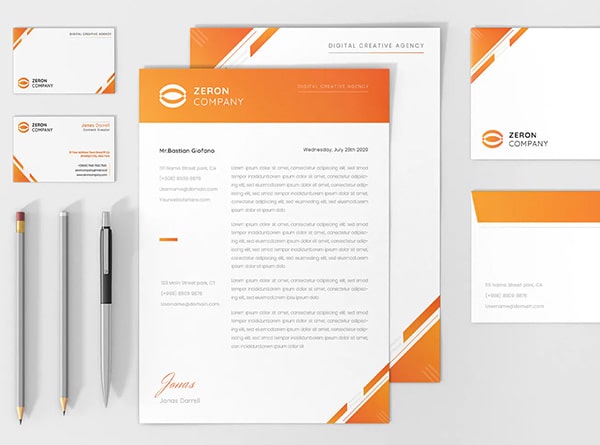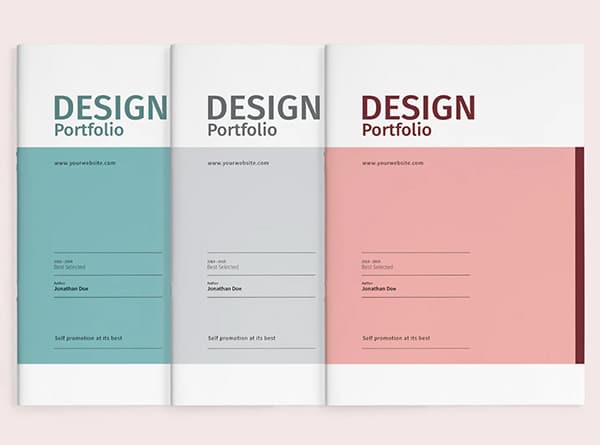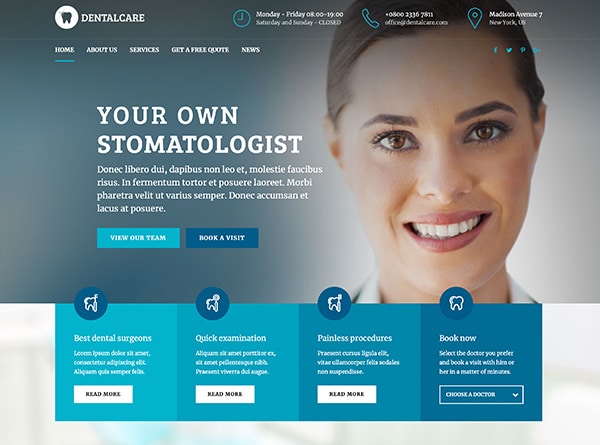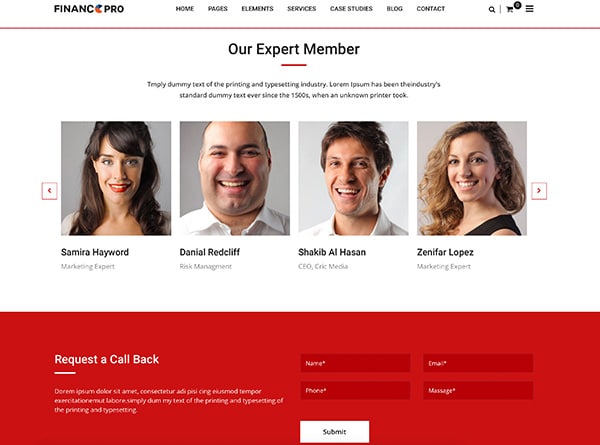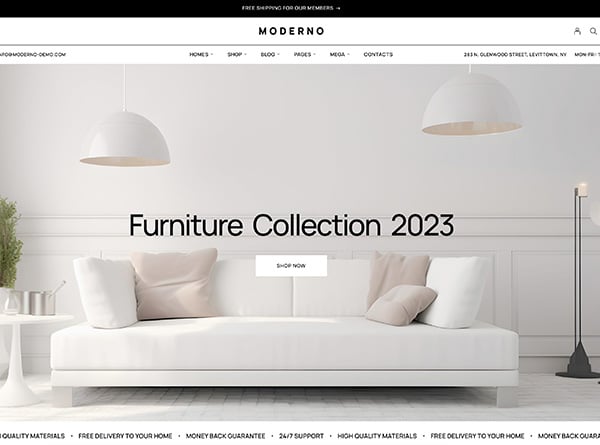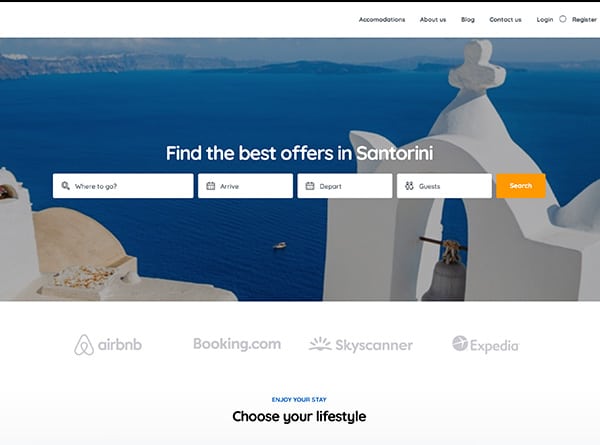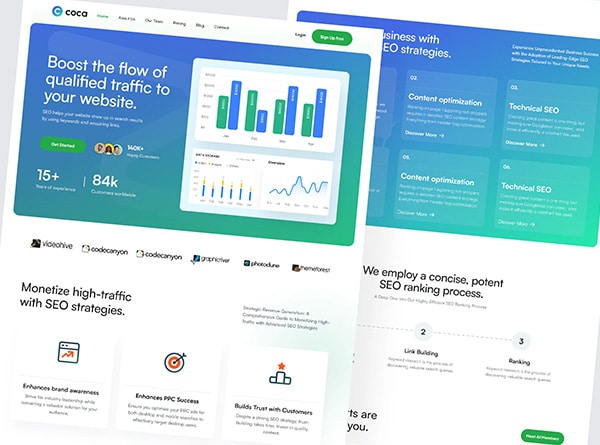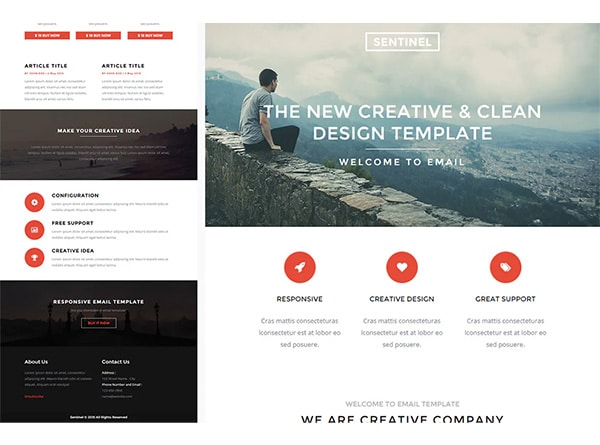

A template is the fastest way to get a law firm website online. It is also the most common way a firm ends up with a site that looks like everyone else’s. Both things are true, and the right choice depends on what the site has to do.
This guide compares the two honestly. It covers what templates do well, where they tend to fall short for a law firm, and how to decide. Where the answer is “a template is fine,” we say so.
What a Template Does Well
Templates are pre-built layouts you fill with your own text and images. For some firms, that is enough.
- Speed. You can have a site live in days or weeks rather than months.
- Lower upfront cost. You pay for a theme or a subscription rather than a design and build.
- Proven structure. A good template has already solved basics such as a menu, a footer and a mobile layout.
- Easy to start. If you have a new practice and need a simple presence while you find your footing, a template is a reasonable first step.
If you are a new solo practitioner with one practice area, a small budget and no website today, a clean template with strong writing can serve you well for a while.
Where Templates Tend to Fall Short
Most template problems are not about looks. They show up when a visitor tries to do something.
1. The layout was built for a generic firm, not yours
A template assumes a standard set of pages: a homepage, an about page, a list of practice areas and a contact page. Your firm may need something different. A firm with three distinct practice areas, each with its own type of client, usually needs three clear paths from the homepage. A template gives you one generic grid of icons and asks you to fit your firm into it.
What to look for: Open the template demo and ask whether a person with your most common legal problem would know within a few seconds where to click.
2. The first screen says “law firm,” not what you do
Many templates lead with a large stock image, a slogan and a button. Visitors learn nothing specific about you before they decide whether to stay. The first screen should say who you help and with what, and give the next step.
What to look for: Replace the demo headline with your own. Does the page still work, or does it only look good with the demo’s short, generic words?
3. The call to action is easy to miss
A person with a legal problem often wants to reach someone quickly. On many templates the phone number sits in a small corner of the header and the contact button looks like every other button. On a phone, the number may not be tappable at all.
What to look for: On your phone, count the seconds it takes to find a way to call or book. Anything past a few is a problem.
4. Mobile use is an afterthought
A template that is “responsive” shrinks to fit a small screen. That is not the same as being designed for how people use a phone. Check whether menus are easy to use with a thumb, whether forms are short, whether text is readable without zooming and whether the page loads quickly on a mobile connection.
What to look for: Test the demo on a real phone, not a resized desktop window.
5. Contact and intake forms are generic
A standard contact form asks for a name, email and message. A form built for a law firm can ask the questions that help you respond well, such as the type of matter, the best time to call and how urgent the situation is. Better questions lead to better first conversations. Many templates make this hard to change, or limit it to a plugin you have to manage yourself.
What to look for: Can you change the fields, the confirmation message and who is notified without hiring a developer?
6. Speed suffers from extra weight
Templates are often built to be sold to everyone, so they include scripts, animations and features most firms never use. That weight can slow the site, especially on a phone. A slow site loses visitors before they read a word.
What to look for: Run the demo through Google’s PageSpeed Insights and compare mobile results to what you want your own site to achieve.
7. Many other firms use the same one
When hundreds of firms use the same theme, your site can look like a competitor’s. A visitor comparing three firms may struggle to tell them apart, which makes the decision about price or location rather than fit.
What to look for: Search the theme’s name along with “law firm” and see how many sites look like yours.
Where Custom Design Earns Its Cost
A custom site is designed around your firm, your clients and your goals rather than adapted to a layout built for everyone. In practice, that tends to mean:
- Navigation built around your clients’ problems, not a standard menu.
- A first screen that states your focus and gives one clear next step.
- Call and booking options that are visible and tappable on every page, especially on mobile.
- Intake forms that ask the right questions and send the answers to the right person.
- Pages designed for the matters you most want, with room for the structure each one needs.
- A lighter, faster build that includes only what you use.
- A look that is your own, so a visitor remembers you.
Custom design costs more upfront and takes longer. It makes sense when the website is a main source of new matters, when you compete in a crowded market or when your practice does not fit a standard layout. See how this works in practice in our guide to law firm web design, or look at what strong law firm websites have in common.
A Middle Path: A Template Used Well
You do not have to choose one extreme. Some firms use a good template as a starting point and invest in the parts that matter most:
- Rewrite the homepage so the first screen speaks to your clients.
- Replace stock photos with real ones of your office and team.
- Add a visible, tappable phone number and a clear contact button on every page.
- Replace the default contact form with one built for your intake.
- Check mobile speed and remove what slows it down.
This gets you most of the benefit for much less. It also tells you what you would want in a custom build later.
How to Decide
Ask these five questions.
- How much of your new business comes from the website? The more it matters, the more a custom build is worth.
- How many distinct practice areas or client types do you serve? More paths usually call for more custom structure.
- How crowded is your market? The more competitors look the same, the more it helps to stand apart.
- Do you have the time to manage a template yourself? Templates are cheaper in cash but often need ongoing attention.
- Will you outgrow it in a year or two? If yes, consider starting with the structure you will need.
If you answered “not much,” “one,” “not very,” “yes” and “no,” a well-used template is probably fine. If your answers go the other way, a custom design is likely to pay for itself.
A Note on Website Builders
Website builders such as Wix, Squarespace or Webflow are a close cousin of templates. They give you more control over layout than a fixed theme, and many firms use them well. The same tests apply: check mobile use, speed, the contact path and how easy it is to change the things that matter. A builder gives you tools, but the quality of the site still depends on the design and the writing.
Before You Decide: Check These Five Things
Whether you choose a template, a builder or a custom design, run this test before launch:
- Can a visitor tell who you help and with what within five seconds?
- Is the phone number tappable and visible on every page on a phone?
- Does the contact form ask what you need to know to respond well?
- Does the site load quickly on a mobile connection?
- Does each practice area you want more of have its own clear page?
If the answer to any of these is no, fix it before you spend on anything else, including local SEO and ads. They all send people to the same website.
More Law Firm Marketing Guides
- Law firm web design: how we plan and build custom law firm websites
- Best law firm websites: what strong law firm homepages have in common
- Local SEO for law firms: nine ways to win the map pack and local search
- What makes a good law firm website design: nine UX principles with a quick check for each
- Law firm SEO and law firm PPC: getting people to the site
- Law firm marketing: the full set of services for law firms
Frequently Asked Questions About Law Firm Website Templates
Are law firm website templates bad for SEO?
How much does a law firm website cost?
Can I start with a template and move to a custom design later?
Should I hire someone to set up a template?
Ready When You Are
Talk With Urban Geko About Your Firm’s Website
If you are weighing a template against a custom build, we can look at your current site or your shortlist and tell you which fits.
Tell us about your practice, how clients find you today and what the site needs to do. We will give you a straight answer on whether a template, a builder or a custom design is the right fit.